Japanese Text to Speech
Convert any Japanese text to speech — 100+ AI voices, pitch accent, free MP3.
Japanese TTS — 100+ AI Voices with Tokyo Pitch Accent & Mora Timing
Generate Japanese yomiage with authentic Tokyo pitch accent for JLPT prep, anime, and vtuber projects — the L-H-L pattern that distinguishes 橋 (bridge) from 箸 (chopsticks), the silent vowels in です /des/ and ます /mas/, the small っ sokuon mora, mixed hiragana/katakana/kanji input, and the alveolar flap R that sits between English R and L. Pick a voice like Daichi (PRO Neural, male) or Akemi (PRO Neural, female) and download your MP3 in seconds.
For studio-grade output, Achird JP (HD, male) and Achernar JP (HD, female) deliver broadcast quality. The catalogue covers JLPT N5–N1 listening prep, anime dub and visual-novel character work, YouTube voice-over, audiobook narration of literary classics, and tourism audio guides for temples, shrines, and city tours. First 1,000 characters free — no account, no watermark.
- 100+ native voices — Standard, PRO, HD
- Hiragana, katakana & kanji mixed
- Tokyo pitch accent & mora timing
- Download MP3, WAV, FLAC, OGG
- Free — 1,000 chars, no signup
Japanese AI Voices — Voice Samples
Click to preview · 100+ voices total
These are 4 featured speakers. Browse all 100+ on the voices page — filter by ja-JP.
Voice Styles — 3 Expressive Registers
Select PRO Neural voices unlock expressive styles on top of the default neutral register. Same sentence, same speaker — Nanami, a Japanese female PRO Neural voice — reads the line below in three different moods.
All three samples above read the same Japanese sentence. Nanami is the only ja-JP voice with multiple expressive styles (cheerful, chat, customer-service). The remaining 100+ Japanese voices read in their default neutral register.
Japanese Pronunciation Guide & Pitch Accent
Japanese pronunciation is defined by mora timing, pitch accent, and three writing systems working together. These six features are where TTS quality separates native-sounding audio from robotic output — hear how SpeechGen handles each.
Why Pitch Accent Matters for TTS
- Pitch, not stress — Japanese is a pitch-accent language, not a stress-accent language like English. Volume stays even; only the high/low pitch pattern shifts between morae. A wrong pitch pattern sounds foreign even when every sound is perfect.
- Kanji resolves ambiguity — Many homophone pairs differ only in pitch (橋/箸, 雨/飴). When you input kanji, the AI voice selects the correct pitch pattern from context. Use kanji in your text for the most natural-sounding audio output.
- Three writing systems, one engine — hiragana, katakana, and kanji can mix freely in the same input. Foreign loanwords in katakana (コーヒー, テレビ, パソコン) and brand names in romaji are all read correctly without manual phoneme intervention.
Formatting & Conventions for TTS
When preparing Japanese text for the voice generator, these formatting rules affect how the engine reads your content:
Numbers & Counters
Write numbers in kanji for the most natural reading: 三つ、五冊、二人. The language uses counter words (助数詞) that change by object type: 一本 (long objects), 一枚 (flat objects), 一匹 (small animals). Arabic numerals work too — 3 → さん — but kanji counters sound more native.
Currency
¥1,500 → "せんごひゃくえん". The yen sign is read automatically. For large amounts: 一万円 (10,000 yen) → "いちまんえん". Japanese uses 万 (10,000) as a unit — the engine handles 3万円 correctly without manual pronunciation markup.
Dates & Time
Japanese date order: year → month → day. 2024年3月15日 → "にせんにじゅうよねん さんがつ じゅうごにち". Time: 14時30分 → "じゅうよじ さんじゅっぷん". Write with kanji date markers (年・月・日・時・分) for correct reading.
Formality (敬語 Keigo)
Japanese has three registers: casual (だ/である), polite (です/ます), and honorific (keigo). Use です・ます endings for professional content, だ・だよ for casual voiceover. The voice engine reads both registers correctly — the choice of formality level is yours.
What You Can Create
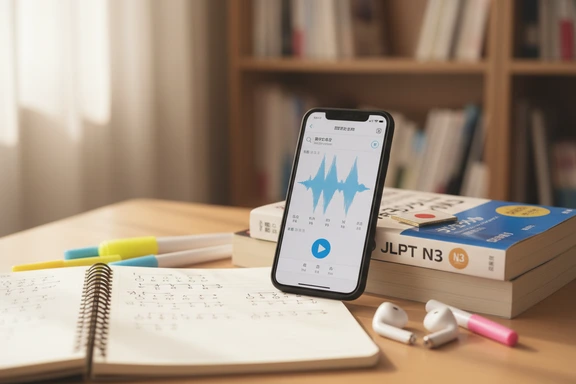
Language Learning & Pitch Accent
Paste any sentence and hear exactly how the pitch contour rises and falls between morae. Slow playback to 0.75× to catch silent vowels and the small っ sokuon. Ideal for JLPT N5–N1 listening prep, shadowing drills against a native model, and drilling kanji vocabulary with the correct contextual reading.
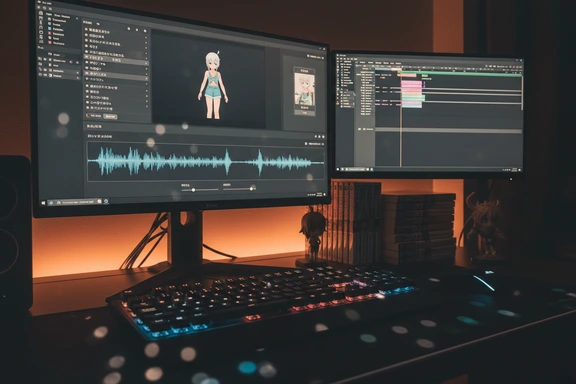
Anime, Visual Novels & Character Voices
Cast character dialogue for anime dubs, gaming NPCs, cosplay reels, and visual novel scenes. Lower pitch by 4–6 semitones for villains and senior characters; raise it slightly for younger or energetic personas. Use Dialog Mode to assign distinct voices across multi-character scripts. Drop into Premiere, DaVinci, Unity, or Ren'Py.
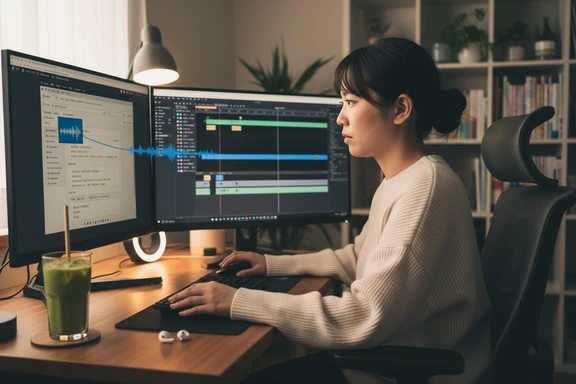
Content Creation & Voiceover
Add professional narration to YouTube videos, podcasts, and social-media reels in seconds. Achernar JP (HD) delivers broadcast-quality female narration; Daichi (PRO Neural) covers clear male delivery for explainers and product walkthroughs. Export as MP3 and sync into Premiere, DaVinci, CapCut, or any editor.
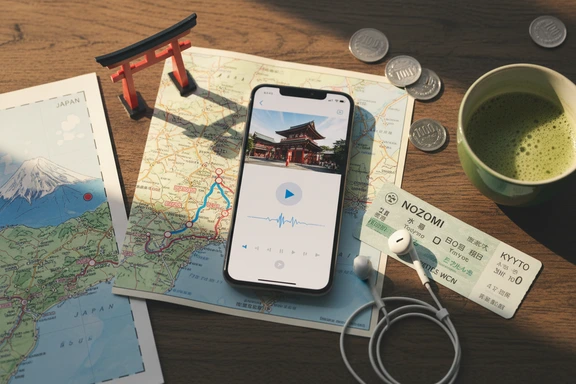
Tourism & Audio Guides
Build audio guides for temples and shrines (Kyoto, Nara, Nikko), city walking tours (Tokyo, Osaka, Sapporo), and ryokan welcome announcements. Generate Shinkansen and metro direction prompts, museum exhibit descriptions, and restaurant introductions. Download as MP3 and deploy on any device offline.
How It Works — 3 Steps
From text to audio in seconds. No software, no signup required.
Paste your text
Type directly or paste up to 1,000,000 characters. The engine handles hiragana, katakana, kanji, and mixed scripts in a single pass. Upload DOCX or PDF files for long documents.
Choose a voice
Pick from 100+ native speakers. Filter by gender, quality tier (Standard, PRO Neural, HD), and ja-JP. Adjust speed for pitch-accent practice, or set pitch for character voice styles in dub work.
Listen & download free
Click Convert to Speech, preview the result, and download as MP3, WAV, or FLAC. First 1,000 characters free — no account needed. No watermark on any plan.
Frequently Asked Questions
For broadcast and audiobook work, Achernar JP (HD, female) and Achird JP (HD, male) deliver the cleanest, most natural delivery — broadcast-level clarity with accurate Tokyo pitch contours. For everyday content and language learning, Daichi (PRO Neural, male) and Akemi (PRO Neural, female) carry a warm, conversational tone. All four handle hiragana, katakana, and kanji mixed in one input without phoneme markup.
Paste a word or sentence, generate the audio, and listen for the high-low contour between morae. Slow playback to 0.75× — pitch changes are easier to spot at reduced speed. For minimal pairs like 橋 (bridge, L-H) vs 箸 (chopsticks, H-L) — same kana はし, different pitch — generate both as separate clips and compare. Type kanji rather than kana so the engine resolves the correct pitch from context.
Yes. Pick a male or female voice, paste the dialogue, adjust pitch by 4–6 semitones to shape character — lower for villains and senior figures, higher for young or energetic personas. Export the MP3 and sync into Premiere, DaVinci, Unity, or Ren'Py. Dialog Mode lets you assign distinct voices to characters across a multi-line script in one session — useful for fan dubs, visual novels, and indie game NPC chains.
Yes. The first 1,000 characters are free with no account, no card, no watermark — just paste, generate, and download. Create a free account and you get an additional 3,000 characters per day for seven days. Every file ships with a commercial licence built into every plan, so the audio works on monetised YouTube, podcasts, indie games, and client work without extra fees.
Yes. The PRO Neural and HD voices are trained on standard Tokyo Japanese and reproduce correct pitch patterns for common vocabulary. Kanji input resolves homophone ambiguity from context — 橋 and 箸 read differently even though both romanise as "hashi". For rare words, proper nouns, or specialist vocabulary, drop in an SSML <phoneme> tag to specify pronunciation explicitly.