Korean Text to Speech
Convert Hangul to natural Korean speech — 110+ AI voices, free MP3.
110 Neural Voices — Hangul, Honorifics & Seoul Standard
Hangul looks simple — 24 letters, perfectly phonetic — yet batchim linking rules and tensed double consonants demand a TTS engine trained specifically on Korean. The engine handles batchim liaison, nasal assimilation, and the three speech-level registers that make Korean pronunciation tricky for machines — formal, polite, and casual. Whether you need a crisp male narrator like BongJin for a YouTube explainer or a warm female speaker like Boram for language-learning drills, every voice reproduces the rhythms of Seoul Standard speech.
The library covers Neural and HD tiers — pick the quality that matches your project. Useful for K-pop lyric practice, webtoon narration, TOPIK listening prep, and any situation where you need natural Korean audio without recording a voice actor. SpeechGen supports Seoul Standard (South Korean), the official broadcast and K-drama standard; the North Korean Phyongan dialect is not currently available. First 1,000 characters free — no account required.
- 110+ Korean voices — Neural, PRO, HD
- Batchim, liaison, honorifics handled
- Adjustable speed & pitch
- Download MP3, WAV, FLAC, OGG
- Free — 1,000 chars, no signup
Korean Voice Samples — Native Seoul Accent
Click to preview · 110+ Korean voices total
These are 4 featured speakers. Browse all 110+ on the voices page — filter by ko-KR.
Korean Phonetic Highlights — Batchim & Vowel Harmony
Korean pronunciation changes depending on where consonants sit in a syllable block. Click play to hear how the engine handles each rule.
What Makes Korean Pronunciation Unique
- Batchim (받침) — the final consonant at the bottom of a syllable block. It often changes sound through liaison, assimilation, or neutralisation depending on what follows. The engine resolves these rules automatically.
- Liaison (연음) — when a syllable ending in a consonant meets one starting with a vowel, the consonant "carries over". 맛있어요 reads as ma-si-sseo-yo, not ma-t-i-sseo-yo. This is the most common pronunciation pitfall for learners.
- Vowel Harmony — verb conjugation endings shift between light vowels (ㅏ, ㅗ) and dark vowels (ㅓ, ㅜ), shaping the rhythm of every sentence. The voices follow Seoul Standard vowel patterns throughout.
Hangul Input — Formatting Tips
Small formatting choices change how the voice reads your text. Four conventions worth knowing for natural results:
Numbers
"3,500원" reads as "삼천오백 원" (Sino-Korean counting). Native counting (하나, 둘, 셋) triggers automatically for counters like 개, 명, 시. Write digits and the engine picks the right system.
Dates & Time
"2026년 4월 12일" reads as "이천이십육 년 사월 십이 일". Time uses native counters: "오후 3시 30분" becomes "오후 세 시 삼십 분", mixing Sino and native numbers automatically.
Honorifics Level
Tone follows the sentence ending: -ㅂ니다 (formal), -요 (polite), bare stem (casual). The voice adjusts intonation for each register — no extra markup needed.
Mixed Script
Hangul, Latin letters, and digits can coexist: "iPhone 15 프로" reads naturally. Hanja characters like "大韓民國" are pronounced according to standard Hangul readings.
Korean TTS Use Cases
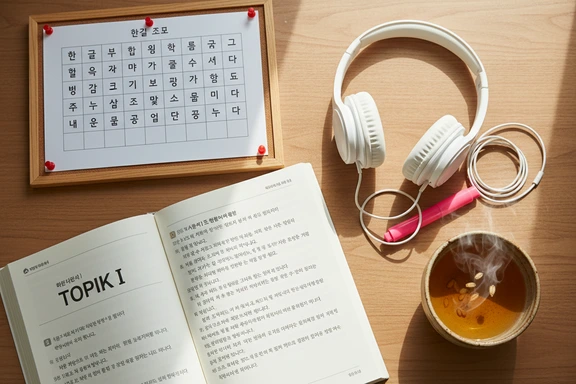
Language Learning & Pronunciation
Practice batchim rules, liaison patterns, and honorific registers by listening to native-level speech at any speed. Slow playback to 0.75x to catch every syllable, then ramp back up. Pairs well with TOPIK listening drills and vocabulary flashcard workflows.
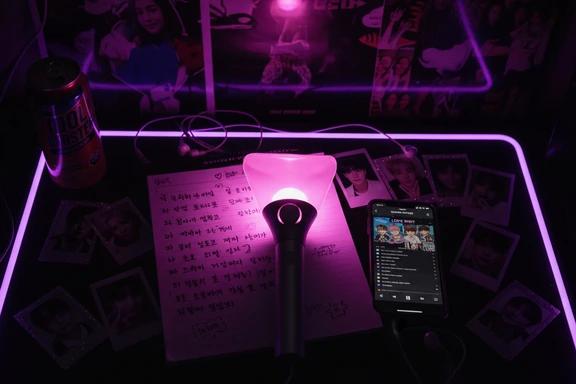
K-Pop Lyrics & Hallyu Content
Hear song lyrics read with correct liaison and vowel sounds before you sing along. Useful for fan covers, lyric-reading videos, and Hangul study through music. Paste the romanized or Hangul version — the voice handles both.
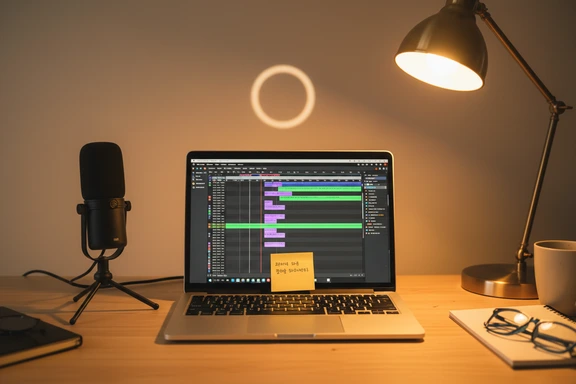
Content Creation & Voiceover
Add a native-sounding narrator to YouTube videos, Shorts, or podcast intros without hiring a voice actor. Export the audio file and drop it into Premiere, DaVinci, or CapCut. HD voices deliver studio-grade clarity for channels that publish in Hangul.

K-Drama Dubbing & Audio Drama
Record dialogue lines for fan-dub projects, audio dramas, and webtoon narration. Switch between formal and casual speech registers to match each character. Adjust pitch to differentiate roles — lower for authority, higher for youthful energy.
How to Convert Korean Text to Speech
Three steps to generate natural audio from Hangul. No software to install, no account needed.
Paste or type your text
Type directly or paste up to 1,000,000 characters of Hangul. Upload DOCX, PDF, or SRT files. The editor accepts mixed Hangul, Latin, and digit input.
Choose a voice
Pick from 110+ speakers. Filter by gender and quality tier — Neural, PRO, or HD. Filter by ko-KR to narrow down, then adjust speed and pitch to match your project.
Listen & download free
Click Convert to Speech, preview the result, and download as MP3 or WAV. First 1,000 characters free — no account, no watermark on any plan.
Korean Language Spotlight — Hangul, Hanja & Romanization
Features that set the language apart — and how the engine handles each one:
Hangul (한글)
A phonetic alphabet designed by King Sejong in 1443 — 14 base consonants and 10 vowels assembled into syllable blocks. The script maps closely to pronunciation, which is why text-to-voice conversion for this language is remarkably consistent.
Hanja (漢字)
Chinese characters still appear in legal documents, academic papers, and proper names. The engine reads Hanja according to standard Hangul phonology — "大韓民國" produces "대한민국" (Daehan Minguk).
Honorifics (존댓말)
Three speech levels shape every sentence: formal (-ㅂ니다), polite (-요), and casual (반말). The voice adjusts intonation and pacing for each — formal reads slower with a flat cadence, casual reads quicker with rising endings.
Seoul Standard (표준어)
All voices follow 표준어 — the official standard used in broadcast, education, and K-drama production. Regional variants like Gyeongsang, Jeolla, and Jeju are not available as separate voice sets.
Korean Text to Speech FAQ
It depends on the project. BongJin (Neural PRO, male) delivers a calm, authoritative tone suited to narration and corporate voiceover. Boram (Neural PRO, female) works well for language-learning content and conversational scripts. For studio-grade output, try the HD tier — Achird KR (male) and Achernar KR (female) produce richer intonation at a higher character rate. All four handle Seoul Standard pronunciation, batchim rules, and honorific registers.
Yes. Paste the Hangul lyrics, select a voice, and generate the spoken reading. This is useful for checking liaison patterns before you sing along, producing lyric-reading videos, or creating fan-dub narration tracks. The voice reads every syllable according to standard rules, so you hear exactly how native speakers would pronounce each line.
Yes. Hanja characters are converted to their standard Hangul readings automatically — useful for legal text, academic citations, and historical names. Honorific levels are inferred from sentence endings: -ㅂ니다 triggers formal intonation, -요 shifts to polite, and bare stems read in casual register. No extra tags required.
Absolutely. Paste sample questions or dialogue scripts from TOPIK preparation books, set the speed to 0.75x for detailed listening, and work your way up to 1.0x. The voices reproduce Seoul Standard intonation patterns used in the actual exam recordings, making this a practical supplement for the listening comprehension module.
Paste your Hangul text, pick a voice, click Convert to Speech, then hit the download button. The default format is MP3; WAV and FLAC are also available. The first 1,000 characters are free with no account — just generate and save. Longer scripts require a paid plan, and commercial use is included in every tier.