Russian Text to Speech
65+ Russian voices — Daniil, Evdokiya, Nikolai & Kore. Free MP3 download.
65 Neural Voices — Cyrillic, Stress & Vowel Reduction
Native Russian voice synthesis with full Cyrillic input (no transliteration required), automatic stress placement on tricky pairs like за́мок versus замо́к, and natural vowel reduction the way native speakers do. Choose from 65 speakers — from a crisp Daniil news-reader to a warm Evdokiya narrator — or pick Nikolai (neural, male) and download an MP3 in seconds.
The catalogue covers three quality tiers — standard, premium neural, and studio-grade — across male and female speakers. The roster ranges from formal newsreader register through casual narration. Useful for audiobook production, voiceover for YouTube and podcasts, ТРКИ (TORFL) listening practice, and pronunciation training for learners. The phonology engine handles soft and hard consonants, the rolled /r/, and the elusive Ы vowel without flinching. First 1,000 characters free — no account, no watermark.
- 65 native voices — neural & studio-grade
- Cyrillic input + automatic stress & reduction
- Adjustable speed & pitch
- Download MP3, WAV, FLAC, OGG
- Free — 1,000 chars, no signup
Russian Speakers — Voice Samples
Click to preview · 65 Russian voices total
These are 4 of the 65 Russian voices. Browse the full roster on the voices page — filter by ru-RU.
Russian Pronunciation Guide — Hear the Tricky Sounds
Six features that trip up English speakers and that the TTS engine handles automatically. Click play to hear each example read aloud.
What Makes Cyrillic Speech Sound Authentic
- Palatalization (soft consonants) — almost every consonant has a hard and soft pair. The soft sign Ь and the vowels Я, Е, Ю, И, Ё trigger palatalization. The TTS engine reads мать and мат as two distinct words and applies the right consonant in each.
- Stress placement — not optional — lexical stress decides meaning (за́мок = castle, замо́к = lock). The neural voices use trained dictionaries plus context to place stress correctly even on rare words. For homographs and rare cases see the Power Tip below.
- Vowel reduction in unstressed syllables — written О becomes /ɐ/ or /ə/ when unstressed: молоко́ sounds like /məlɐˈko/, not /moloˈko/. This is what gives a native speaker their characteristic rhythm, and the engine reproduces it consistently.
Power Tips for Russian TTS
- Force stress with
+— for homographs (за́мок vs замо́к, му́ка vs мука́, ду́хи vs духи́), rare names, technical terms, or poetry where the engine can't guess from context, type a+immediately before the stressed vowel.з+амокreads as castle,зам+окas lock. Most neural voices honor the notation — Daniil is the most reliable for tricky cases. - Use
ёon purpose — the dots are usually dropped in print (все instead of всё), but the engine reads them as different words. Typeёwhere you mean it: всё = "everything", все = "everyone". Same for осёл (donkey) vs осел (settled). - Numbers stay as digits — the engine inflects on the fly. Type
1 рубль, 2 рубля, 5 рублейwith digits and the noun endings come out correct. Spelling out numbers usually makes the result worse.
How the Engine Handles Cyrillic Formatting
Small details in how you format the source text change how it comes out aloud. Four Russian formatting conventions worth knowing:
Numbers & Cases
1 рубль, 2 рубля, 5 рублей — the noun ending changes with the number (singular, paucal, plural). The engine inflects automatically: type the digit and the case agreement is handled for you.
Currency
1 200 ₽ → "ты́сяча две́сти рубле́й". The ruble symbol ₽ is read as рубле́й with the right plural ending. Spaces (not commas) separate thousands.
Dates & Time
9 апреля 2026 года → "девя́того апре́ля две ты́сячи два́дцать шесто́го го́да". Day-first, ordinal genitive case. 24-hour clock works naturally: 14:30 → "четы́рнадцать три́дцать".
Ё vs Е
всё ≠ все — the dots over Ё are usually dropped in print, but they change the sound and the meaning. Type Ё where you mean it (всё = "everything", все = "everyone") and the engine reads it correctly.
What Can You Do with a Russian Voice Generator?
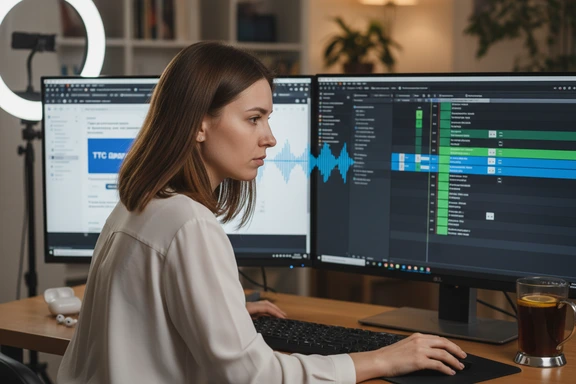
Content Creation & Voiceover
Add a native Russian voice to YouTube videos, podcasts, Reels, and TikTok. Evdokiya lifts a lifestyle channel with warm narration; Daniil suits explainer and tech content. Export the MP3 and drop straight into Premiere, DaVinci, CapCut, or any editor — no watermark on the free tier.
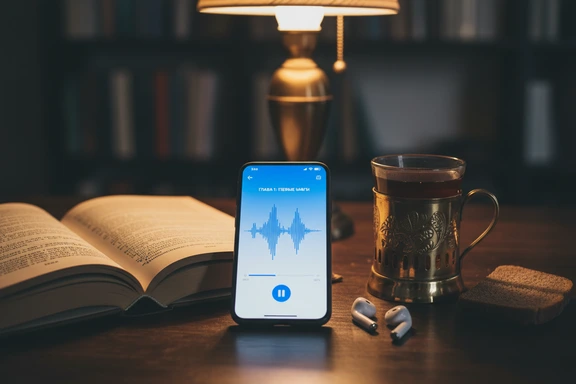
Audiobooks & Literary Narration
Turn manuscripts into audiobooks with a natural narrator. Daniil's measured neural delivery suits Tolstoy, Dostoyevsky, and Chekhov; the studio-grade voices bring cinematic polish to contemporary fiction. Use Dialog Mode to assign distinct speakers to characters, just like a full cast production.
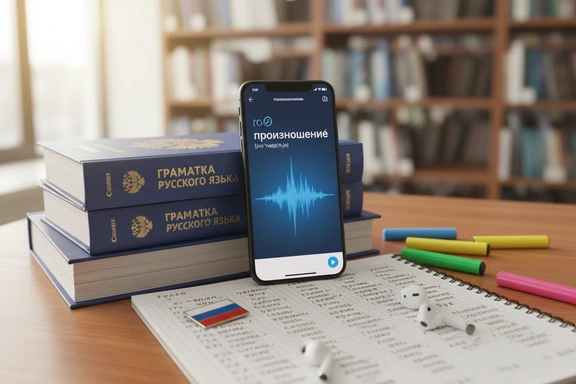
Language Learning & Pronunciation
Train your ear on real native pronunciation. Slow the playback to 0.75× to catch palatalized consonants and vowel reduction, then ramp it back up once you can follow along. Perfect for ТРКИ (TORFL) listening practice, vocabulary flashcards, and shadowing — build the audio file once, replay forever.

News, Media & Corporate
Nikolai's formal neural register reads like a TV anchor — clear diction, even pacing, professional finish. Use it for news bulletins, corporate updates, press releases, and internal training videos. Pair it with Evdokiya for two-host news segments and assign each speaker through Dialog Mode.
Russian Text to Speech — How It Works
Three steps to convert cyrillic text to audio online. No software, no signup.
Paste or type your text
Type cyrillic directly or paste up to 1,000,000 characters per project. Upload DOCX, PDF, or SRT files. The editor accepts mixed scripts, so quoted English fragments inside a Russian paragraph work without preprocessing.
Choose a voice
Pick from 65 native speakers. Filter by gender and quality tier — standard, neural, or studio. Filter by ru-RU in the catalogue, then adjust speed and pitch on a per-voice basis to fine-tune the reading.
Listen & download free
Click Convert to Speech, preview the result, and download as MP3, WAV, or FLAC. First 1,000 characters free — no account, no credit card. No watermark on any plan.
Frequently Asked Questions
Paste your cyrillic text into the editor at the top of this page, pick a voice (Daniil and Evdokiya are good defaults), and click Convert to Speech. The MP3 download appears next to the result. The first 1,000 characters are free with no account, no card, no watermark. Create a free account and you also get an additional 3,000 characters a day for seven days.
Google Translate is a translator that happens to read its output aloud — the voice is a side feature, capped at short snippets, and there's no choice of speaker. SpeechGen is a TTS studio: you bring your own text in any length, you pick from 65 native Russian voices across three quality tiers, you can adjust speed, pitch, stress, and pauses through SSML, and you keep the MP3 with a commercial licence. There's no translation step — type or paste cyrillic and it gets read.
For long-form literary fiction, Daniil (neural, male) and Evdokiya (neural, female) give the most consistent, fatigue-free reading across hours of audio. For studio polish on shorter projects (poetry, premium fiction, sample chapters) the studio-grade voices Nikolai and Kore RU sound more cinematic. Mix and match through Dialog Mode to give each character a distinct voice — useful for dramatized audiobooks and audio drama.
Yes — this is one of the most common use cases. Paste a paragraph from a textbook, slow playback to 0.75× or 0.5×, and shadow the audio sentence by sentence. The neural voices place lexical stress correctly and reproduce vowel reduction in unstressed syllables, so what you hear is close to natural conversational speech. Useful for ТРКИ (TORFL) listening prep, university coursework, and self-study with apps like Anki.
Yes. The neural and studio-grade voices use trained dictionaries plus context to place lexical stress (за́мок vs замо́к) on the right syllable, and they reduce unstressed О and Е the way native speakers do (молоко sounds like /məlɐˈko/, not /moloˈko/). For rare words, proper nouns, or poetry where the stress matters, type a + before the stressed vowel to force it — for example зам+ок for "lock" or з+амок for "castle".