Filipino Accent Generator
Type English text and hear it in natural Filipino accent — 2 voices, free MP3.
2 Native Philippine English Voices — Manila, Cebu & Davao Rhythms
The Philippines runs the largest English-speaking call-centre industry on the planet, and the accent behind those millions of daily conversations has a rhythm all its own. Syllable-timed where American English is stress-timed, warm in intonation, clear in every vowel — this is the sound of Manila commute podcasts, Cebu travel vlogs, and Davao customer-support lines. Type any English text above, pick James or Rosa, and hear it read back in authentic Filipino-accented speech. Both speakers are Neural-grade, suitable for voice over, content creation, and commercial projects.
Philippine English sits on an American spelling base — color, center, organize — but the phonetics diverge: no flap-T in water, no reduced vowels in comfortable, and a distinctive sentence melody shaped by Tagalog and Visayan mother tongues. The result is an accent recognised worldwide through BPO, travel media, and a booming creator economy across YouTube and TikTok. Use it as a pronunciation reference, an accent converter for creative scripts, or simply a reader that sounds like everyday life in the Philippines.
- 2 Neural voices — James (male) & Rosa (female)
- Adjustable speed & pitch
- Download MP3, WAV, OGG, FLAC
- Handles Taglish code-switching naturally
- Free — 1,000 chars, no signup
Filipino Accent Voice Samples — James & Rosa
Click to preview · 2 Philippine English voices
James and Rosa are the two Neural Philippine English speakers — both professional-grade, well suited for vlogs, voice over, customer-service training, and character work. Filter by en-PH in the voice catalogue.
Philippine English Pronunciation vs American — Hear the Difference
Philippine English shares an American spelling base but sounds distinctly different. Click play to compare side by side.
What Makes Philippine English Sound Unique
- Syllable-timed rhythm — every syllable gets roughly equal length, closer to Spanish timing than stress-timed American patterns. Words like "comfortable" keep all four syllables audible.
- Unreduced vowels — schwa rarely appears. "Comfortable" is /kʌmˈfɔrtabel/, not the collapsed /ˈkʌmftərbəl/ common in General American speech.
- No flap-T — "water" comes out with a clear /t/, not the softened tap heard in most North American dialects.
- Warm intonation — rising melody at the end of phrases, shaped by Tagalog and Cebuano speech patterns. This gives the accent its friendly, approachable quality widely associated with the country's hospitality industry.
Philippine English — Formatting & Conventions
Small details in how you format the source text change how it reads aloud. Four conventions worth knowing:
Numbers
"five hundred pesos" — standard American-style digit reading. No lakh or crore system. Informal Taglish mixing is common in conversation ("mga twenty pesos") but the engine reads plain numerals cleanly.
Currency
₱1,500 renders as "one thousand five hundred pesos". You can also write PHP 1,500 or P1500 — all three formats produce the same spoken output with the peso sign.
Dates & Time
April 11, 2026 and 11 April 2026 both work. Month-first (American) and day-first formats are equally common in Manila media. Twelve-hour clock is the default for spoken time.
Spelling
color, center, organize, program — American spelling is the standard in Philippine schools and media. Use it to get the most natural-sounding output from either speaker.
Use Cases — Content, BPO, Travel Vlogs & Characters
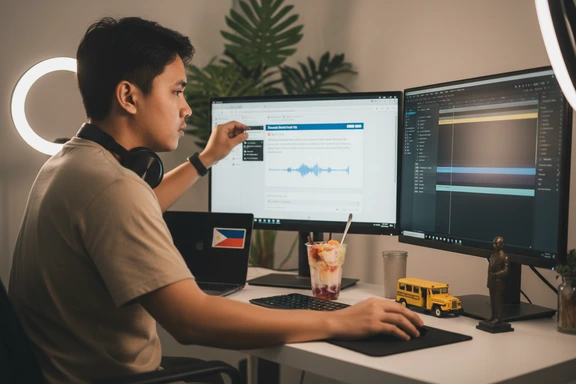
Content Creation & Voiceover
Add a warm Filipino narrator to YouTube videos, podcasts, and social-media reels. The recognisable cadence works equally well for food-tour commentary, tech reviews, and lifestyle explainers — export as an audio file and drop into any editor.
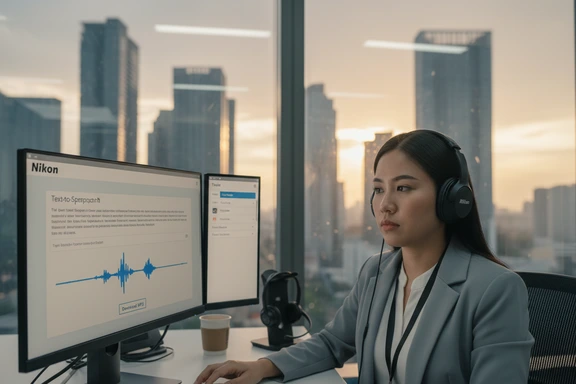
BPO & Customer Support Scripts
The Philippines is the global capital of outsourced call centres. Use James or Rosa to prototype IVR prompts, onboarding recordings, and quality-assurance training material with the same accent your agents already speak to clients worldwide.
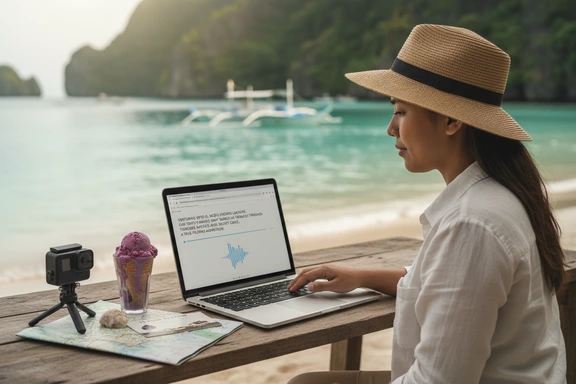
Travel & Lifestyle Vlogs
Narrate island-hopping trips to Palawan, Siargao, and Boracay with an accent that sounds like it belongs there. A Filipino-accented speaker adds authenticity to travel guides, hotel walkthroughs, and food-crawl videos across the archipelago.
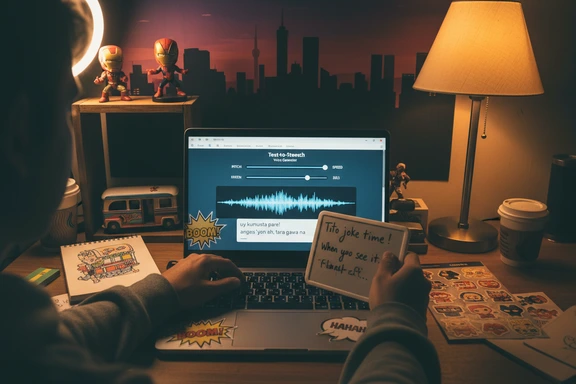
Character Voices & Memes
The Pinoy accent is instantly recognisable in TikTok skits and meme voiceovers. Adjust pitch and speed to build a friendly lola character, a dramatic telenovela narrator, or a deadpan comedy sidekick — the warm intonation carries humour naturally.
How to Generate a Filipino Accent Voice — 3 Steps
Three steps to turn English text into natural Philippine-accented speech online. No software, no signup.
Paste or type your English text
Type directly or paste up to 1,000,000 characters. Upload DOCX, PDF, or SRT files. Works with scripts, articles, dialogue, study notes — anything written in English.
Choose James or Rosa
Pick the male or female Neural speaker. Filter by en-PH in the voice selector, then adjust speed and pitch to match your project — slower for narration, faster for casual commentary.
Listen & download free
Click Convert to Speech, preview the result, and download as MP3, WAV, or FLAC. First 1,000 characters free — no account needed, no watermark on any plan.
Frequently Asked Questions
Yes. The first 1,000 characters are free with no account and no watermark. Create a free account for an additional 3,000 characters per day for seven days. Paid plans raise limits and unlock bulk export, but commercial use is included in every tier — the free one too.
Absolutely. Every plan, including the free tier, comes with a commercial licence. Use the output in YouTube videos, podcasts, ads, corporate training, IVR systems — any project. No royalties, no attribution required.
Paste your English text into the editor, select either James (male) or Rosa (female) from the voice dropdown — both are en-PH Neural speakers — then click Convert to Speech. The engine works as an accent translator: it takes standard English input and applies Philippine English phonology automatically — syllable-timed rhythm, clear consonants, warm intonation. Download the result as an audio file.
Three main features stand out. First, the rhythm is syllable-timed — every syllable gets roughly equal weight, so words like "comfortable" keep all four syllables. Second, there is no flap-T: "water" uses a clear /t/. Third, the intonation rises at the end of phrases, giving the accent its characteristic warmth. These traits reflect the influence of local languages such as Tagalog and Cebuano on English spoken in the Philippines.
Yes — it is one of the most popular use cases. The accent's friendly, expressive tone works well for comedy skits, reaction videos, and meme voiceovers. Adjust pitch up for a cartoon effect or slow the speed for dramatic pauses. Export the clip, overlay it in CapCut or Premiere, and publish.